
Verification document templates
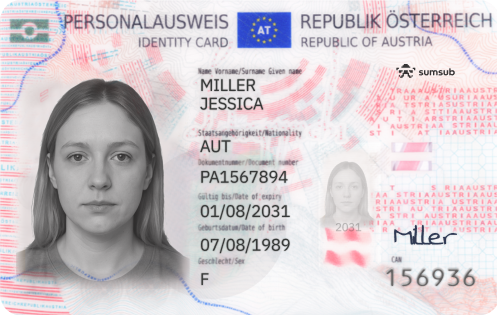
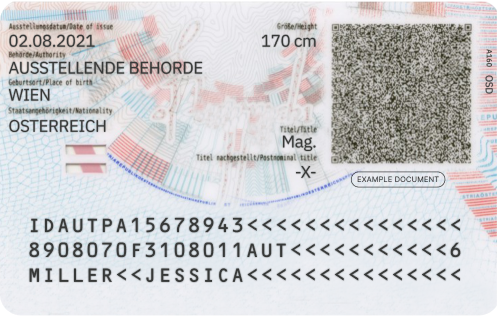
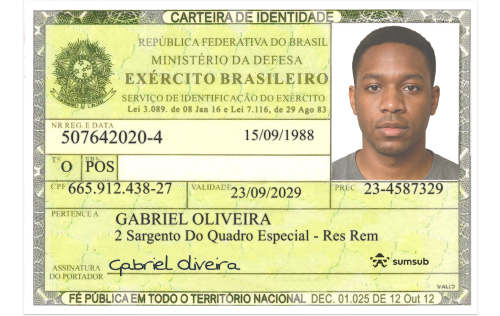
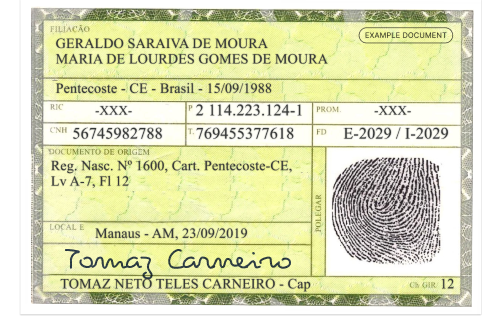
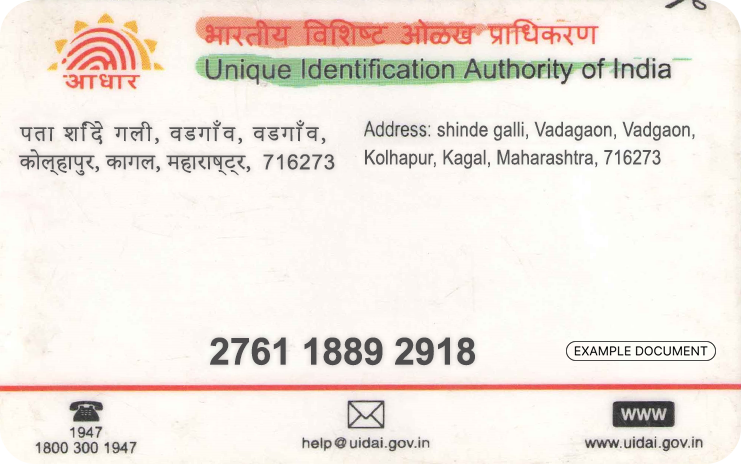
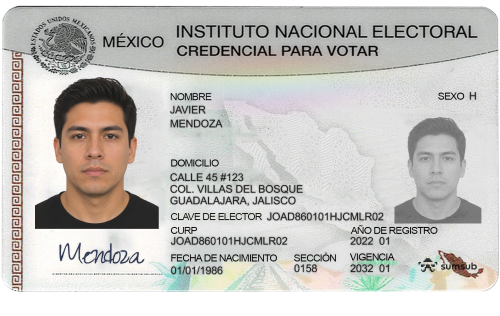
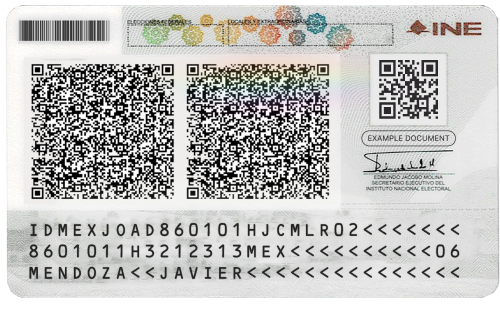
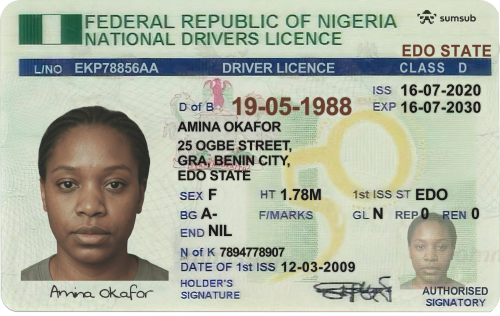
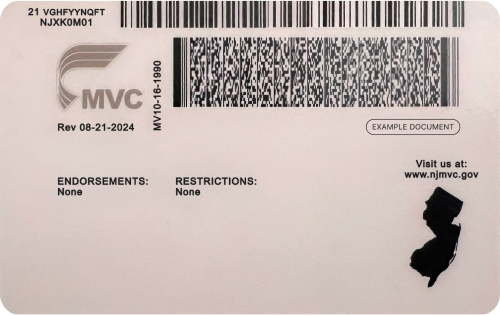
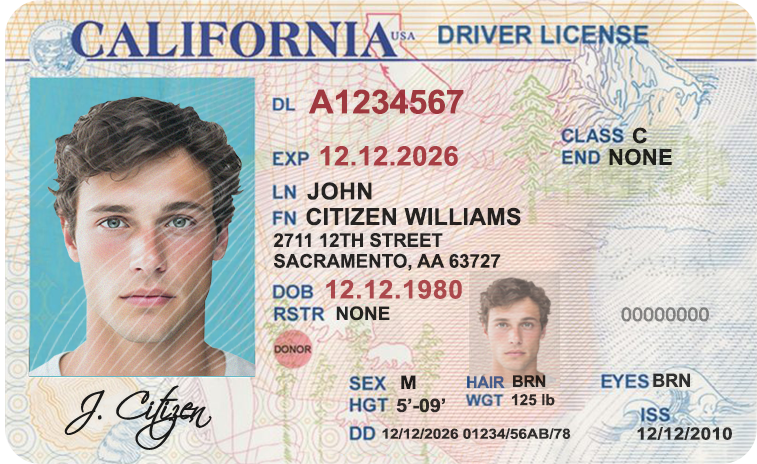
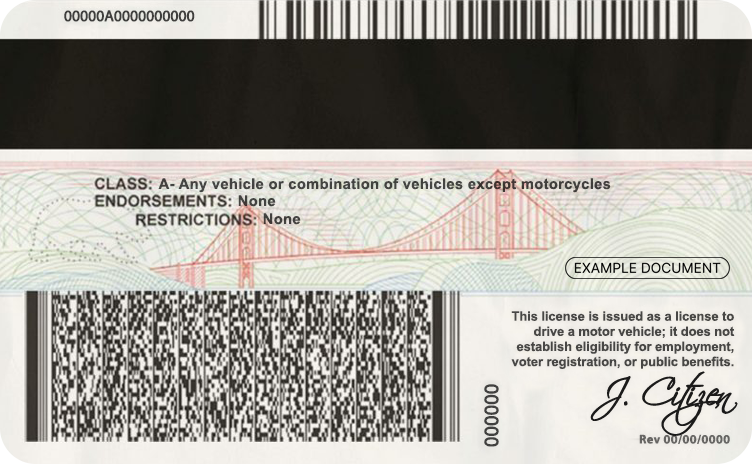
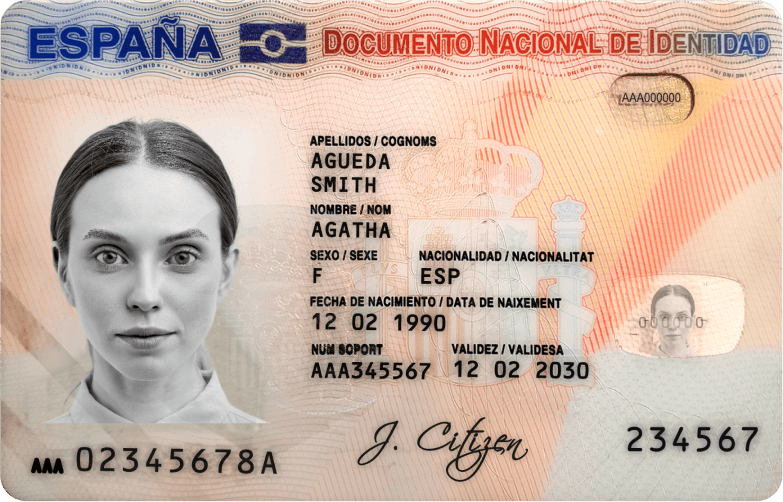
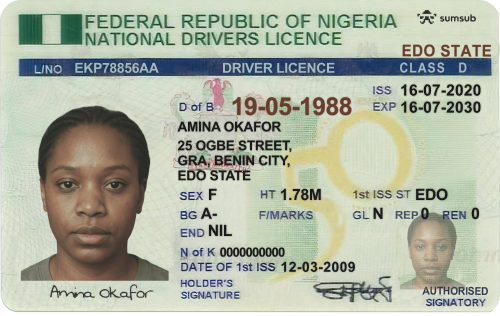
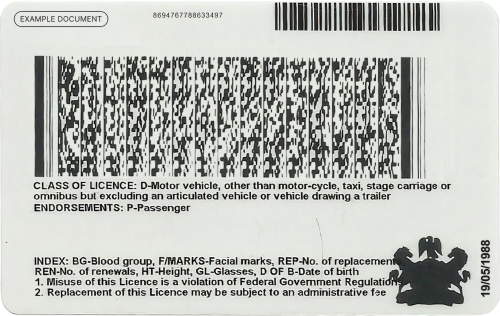
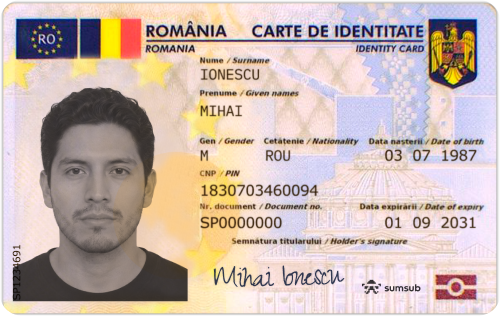
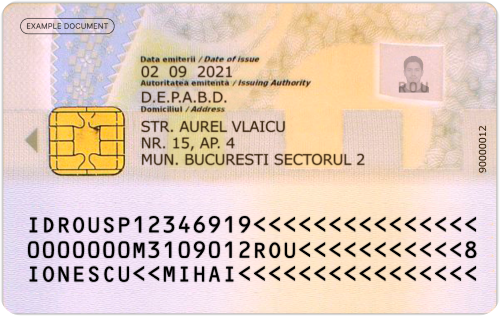
Test verification flows with pre-made document templates.
This page provides a collection of templates that you can use to test your verification flows.
To start testing:
- Switch to Sandbox.
- Download the templates below.
- Create an applicant profile and select Add photos. Alternatively, you can upload photos via the WebSDK.
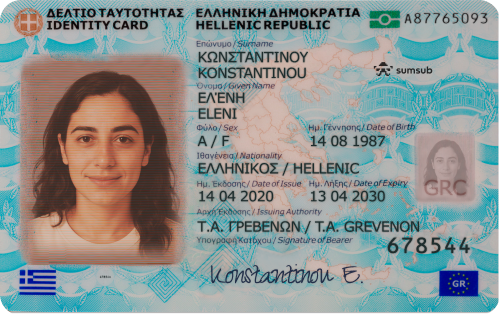
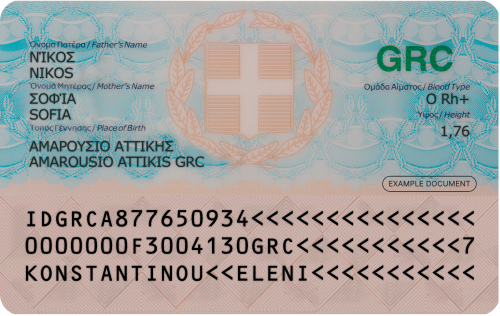
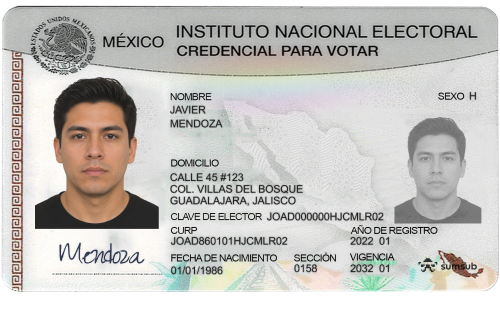
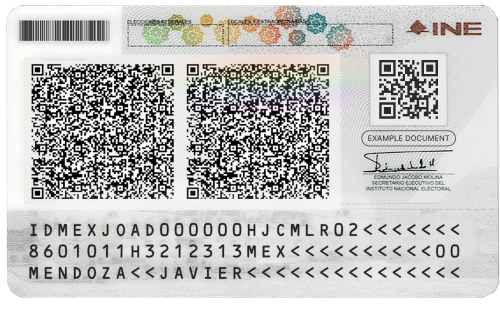
- Upload a document photo from the template.
- Test your verification flow and review the results.
ImportantKeep the original file name when you upload a template. In Sandbox, a template is first matched by its exact file contents and, if that no longer matches, an image template is also recognized by its original file name (the extension is ignored, for example
Austria_Front_Approved). So even when your device re-encodes the image on upload — for example, when you pick a photo from the iOS gallery — the template is still recognized as long as the file name is unchanged.Renaming the file, taking a screenshot, or converting it to a non-image format changes or removes the original file name, so the file is processed as a regular document and the expected result (automatic approval, resubmission request, or final rejection) is not reproduced.
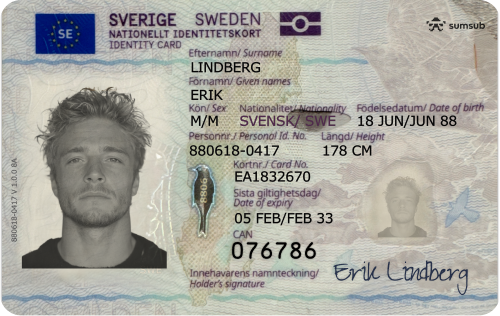
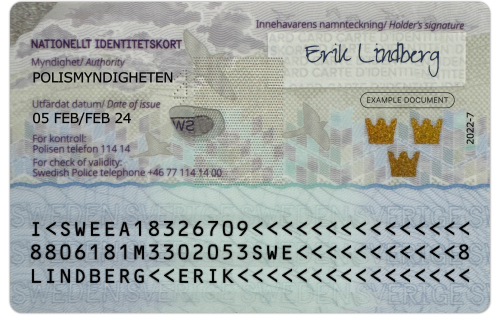
NoteSweden templates work for both document-based ID verification and Database Validation with 1x1 Matching.
Accepted templates
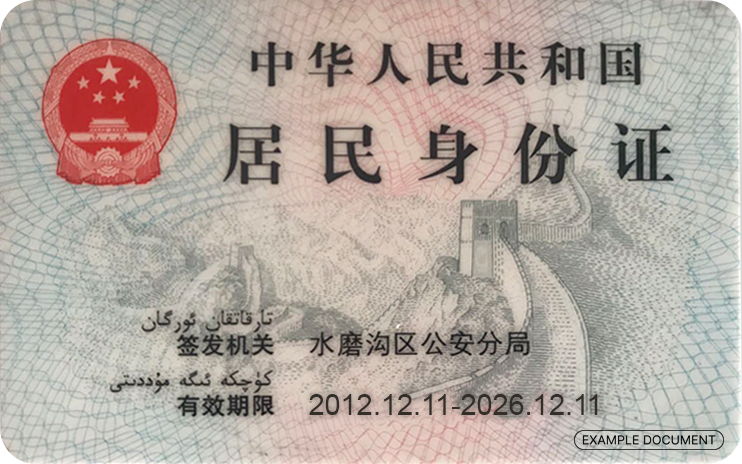
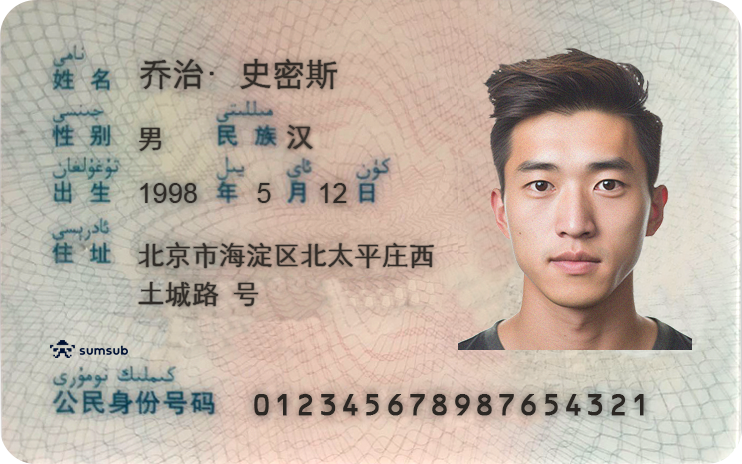
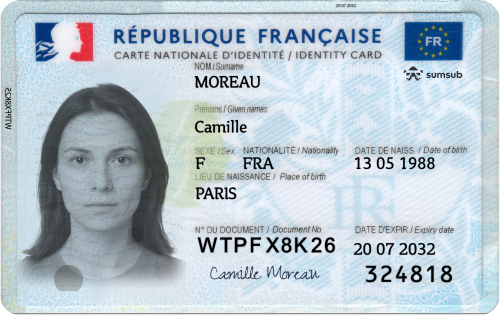
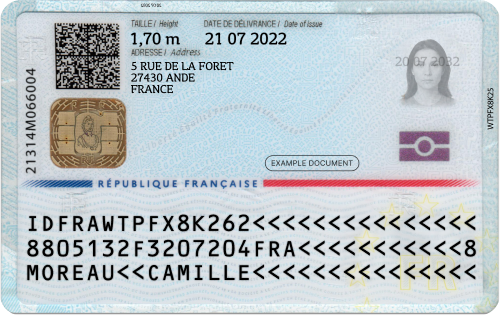
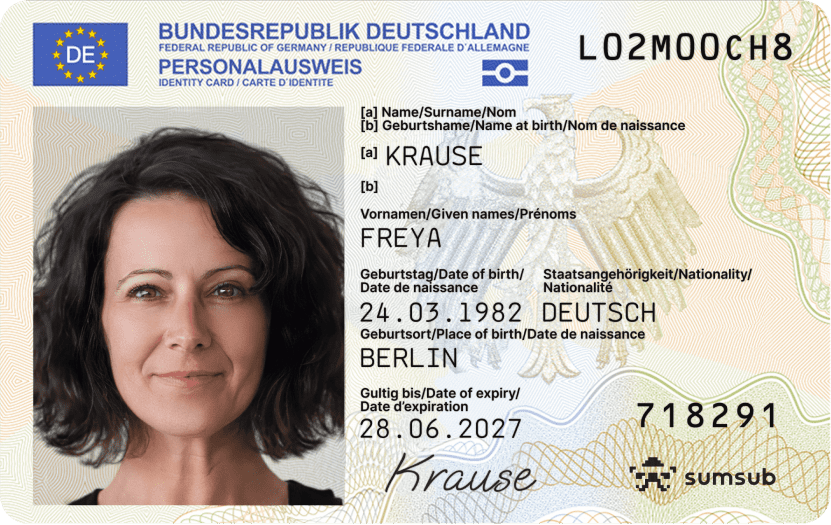
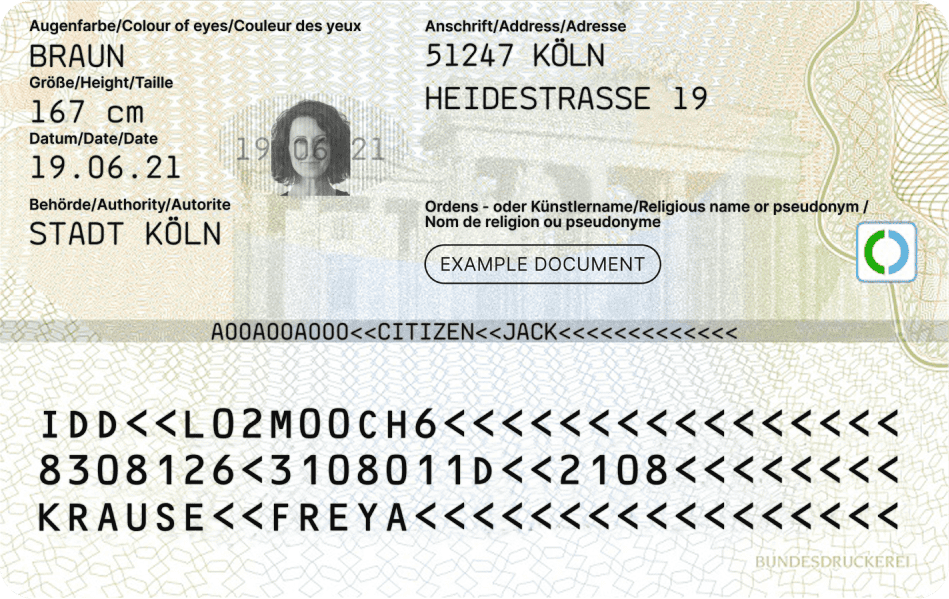
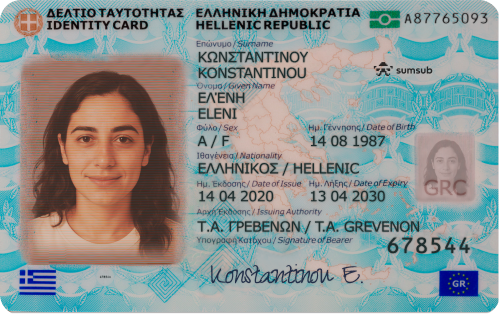
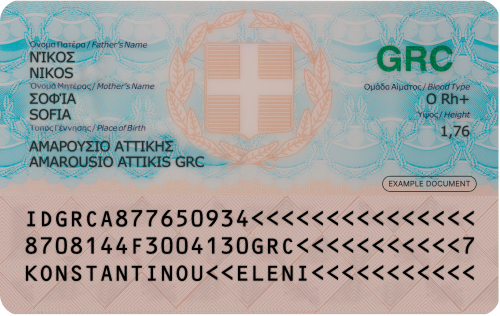
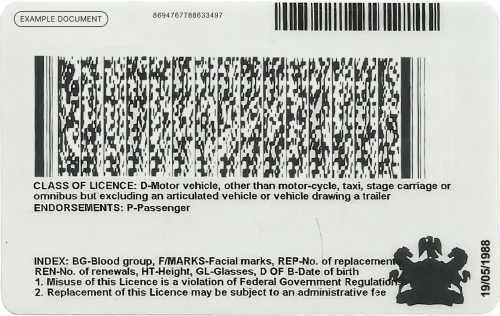
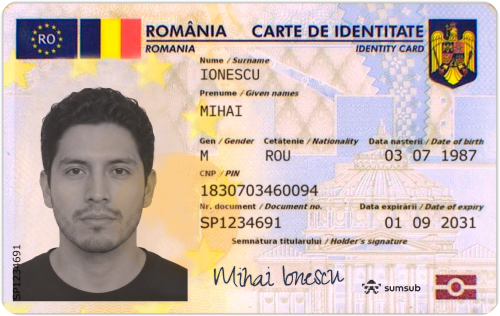
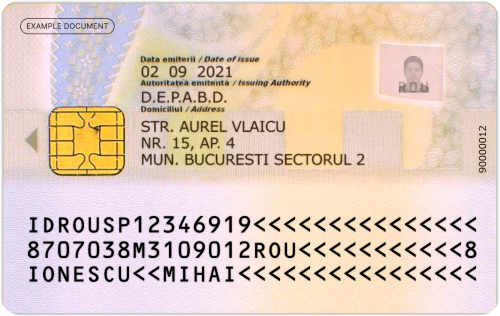
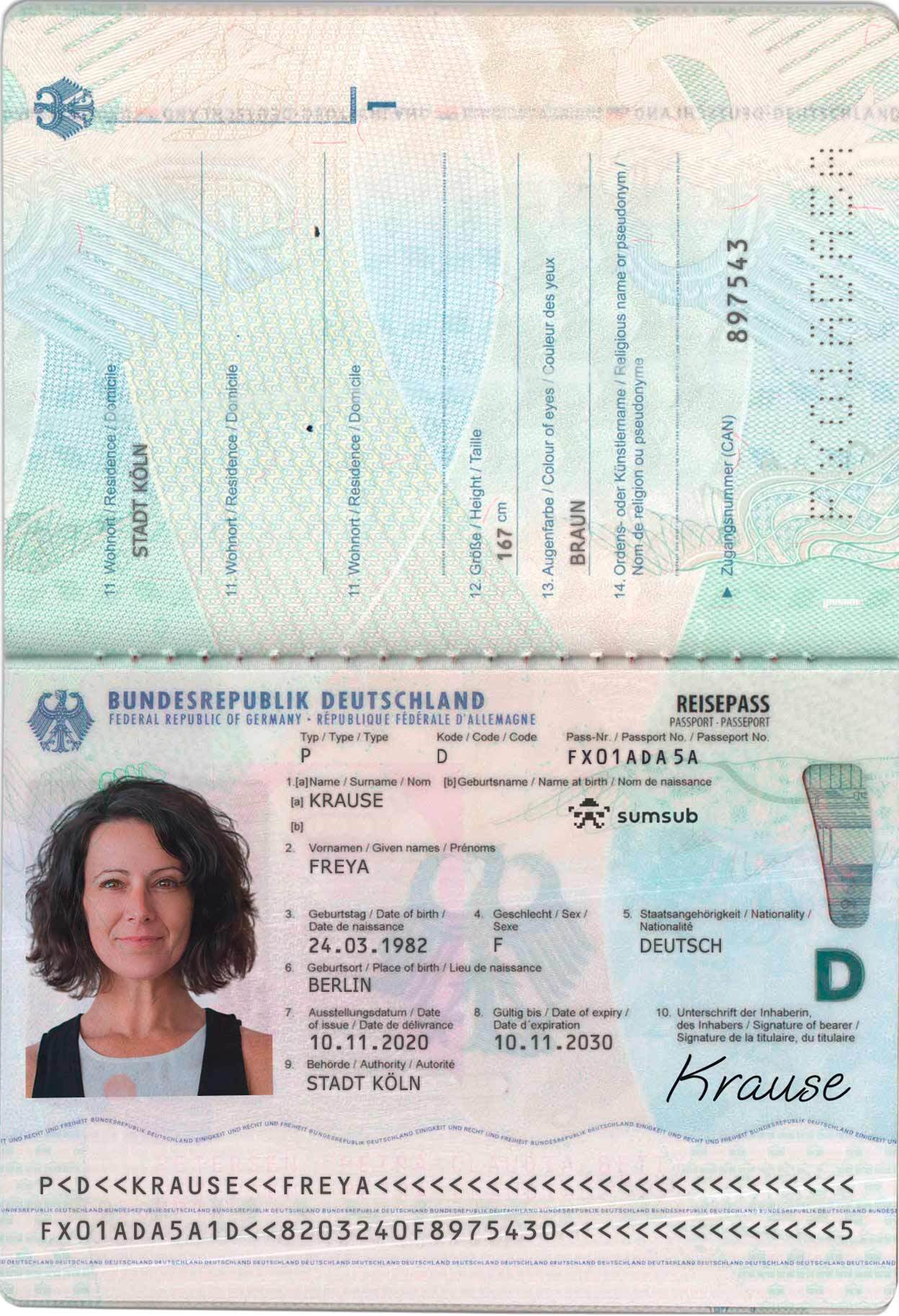
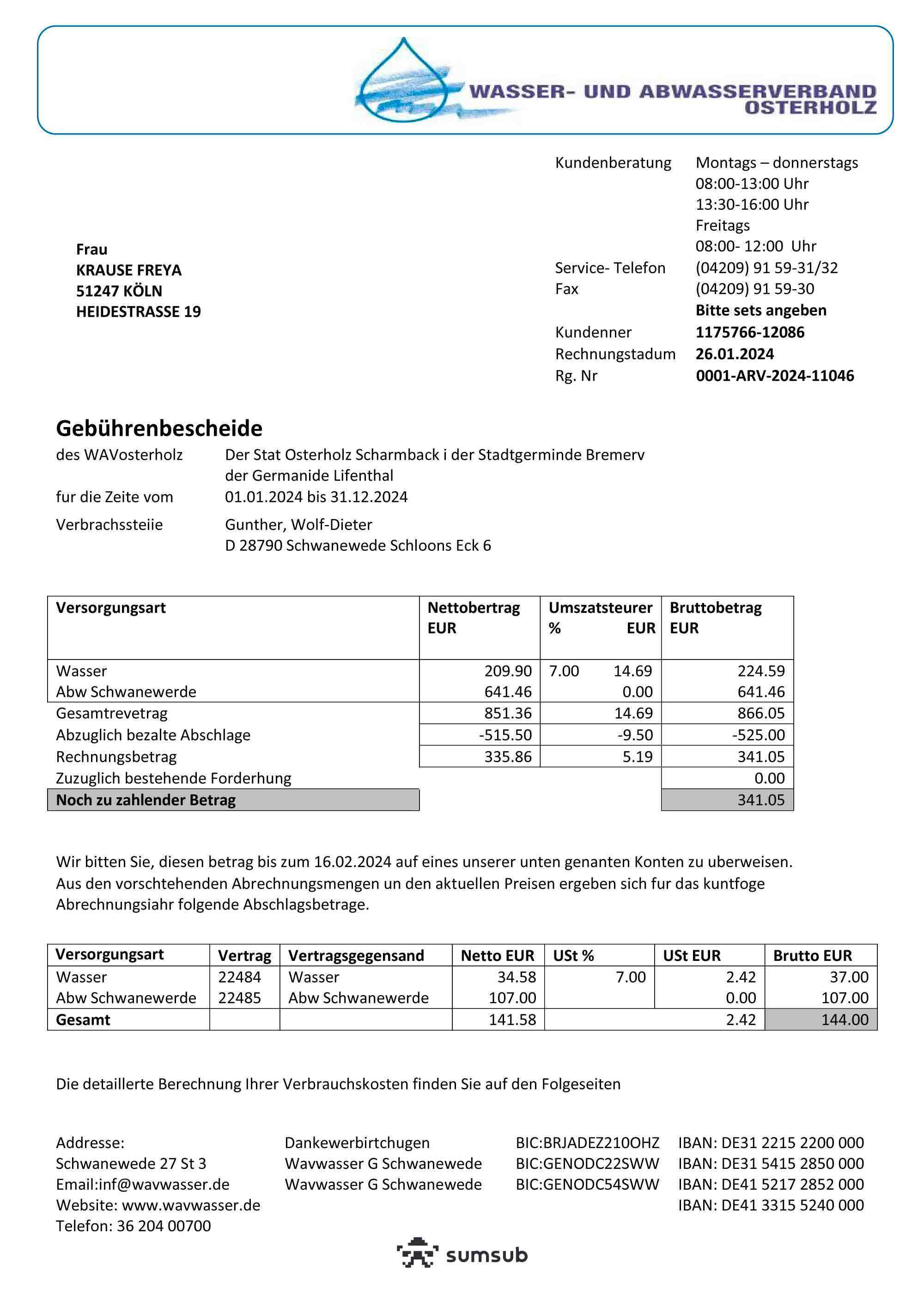
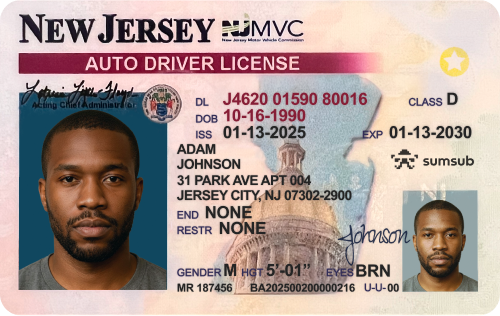
The following templates are always accepted.
Identity document

Proof of address
Rejected templates
Resubmission request
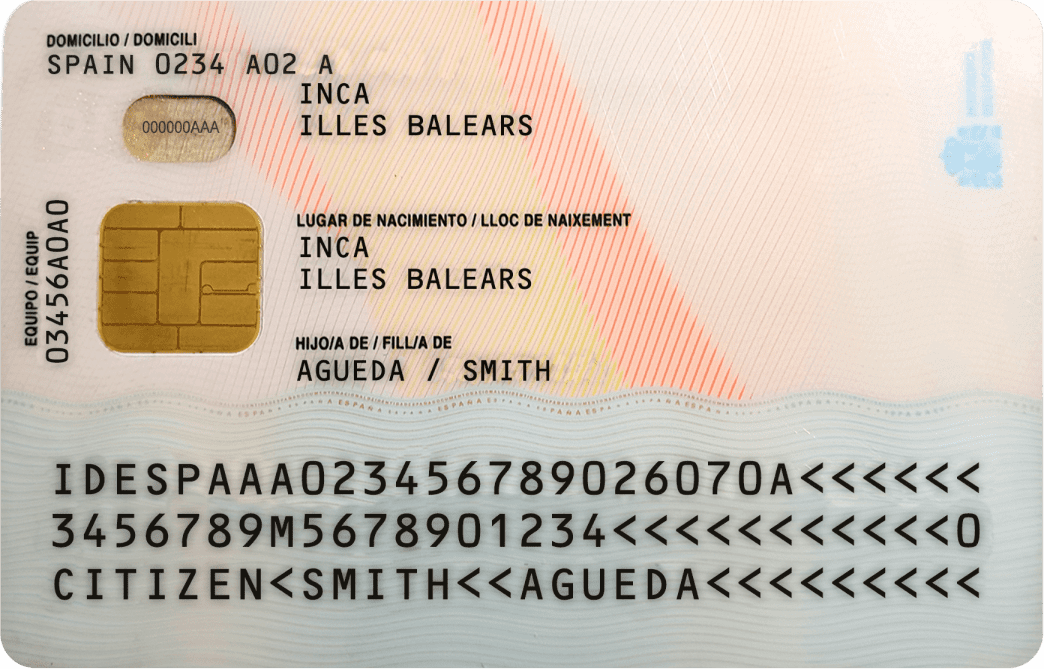
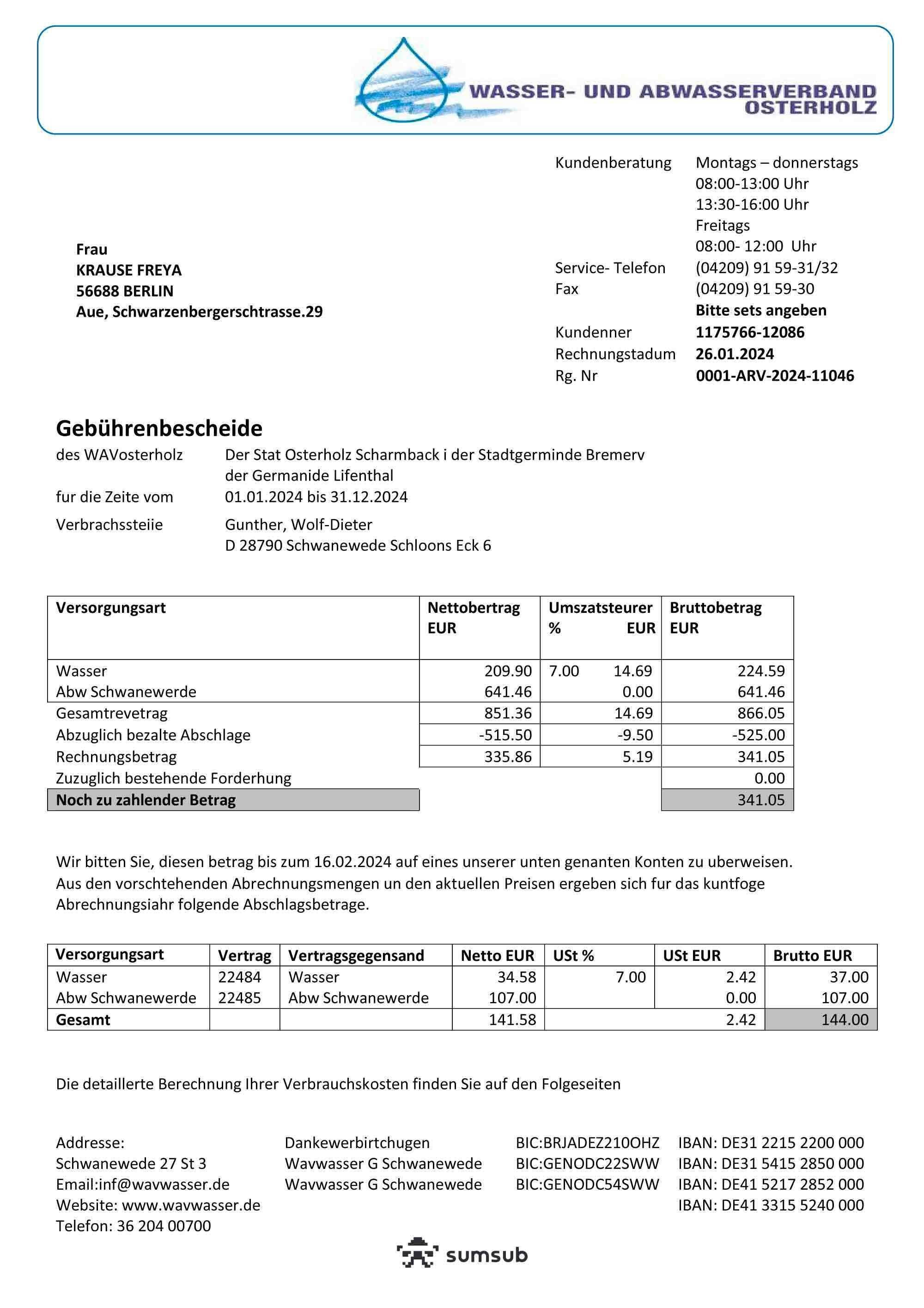
The following templates are automatically rejected and trigger a document resubmission request.
Identity document
Proof of address
Final rejection
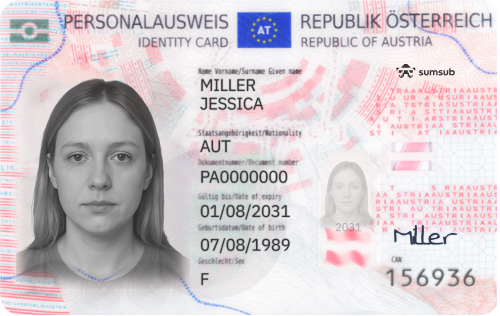
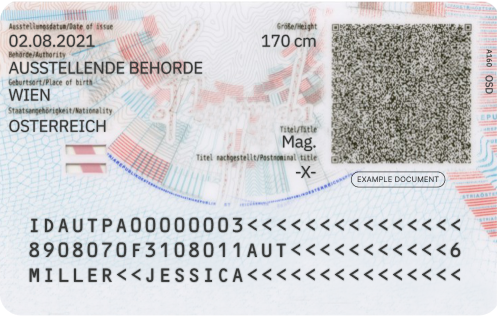
The following templates trigger final rejection without document resubmission.
Identity document
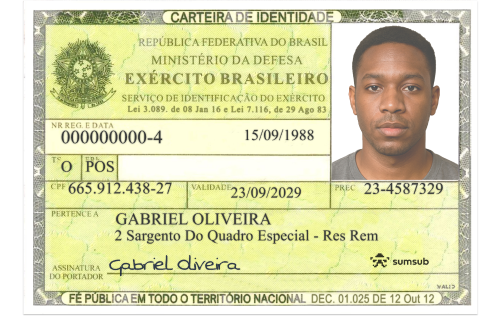
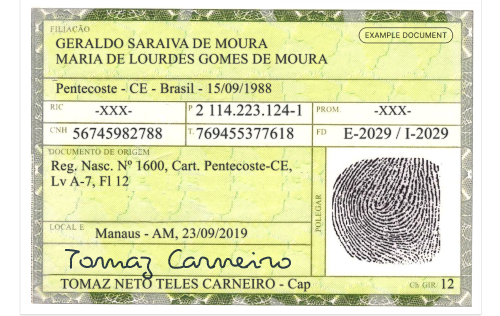


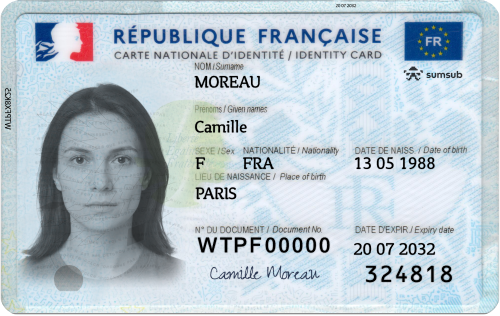
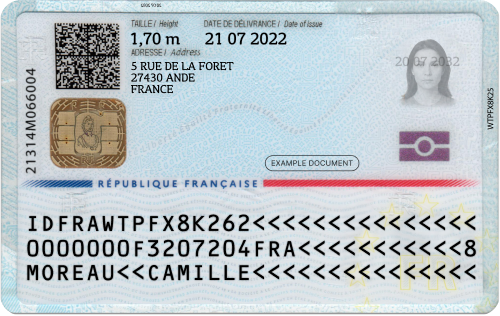
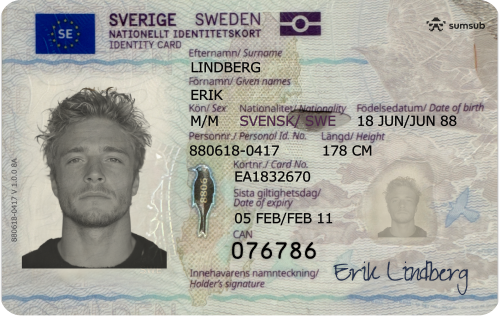
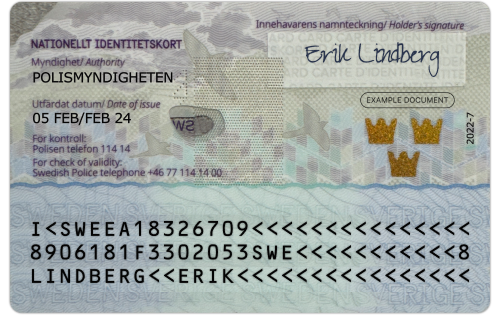
Proof of address

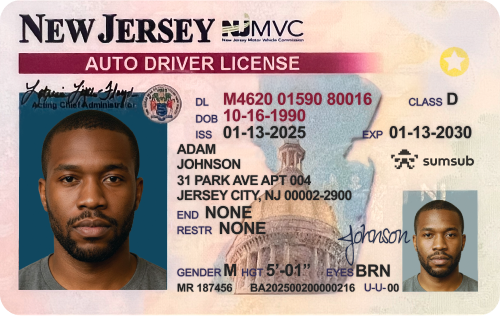
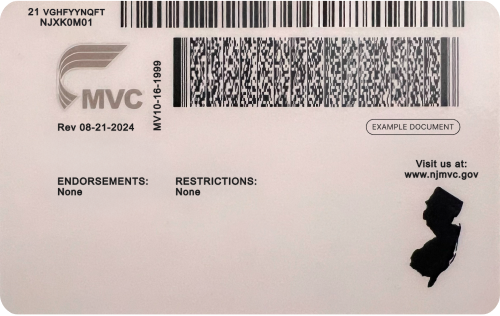
Updated 1 day ago